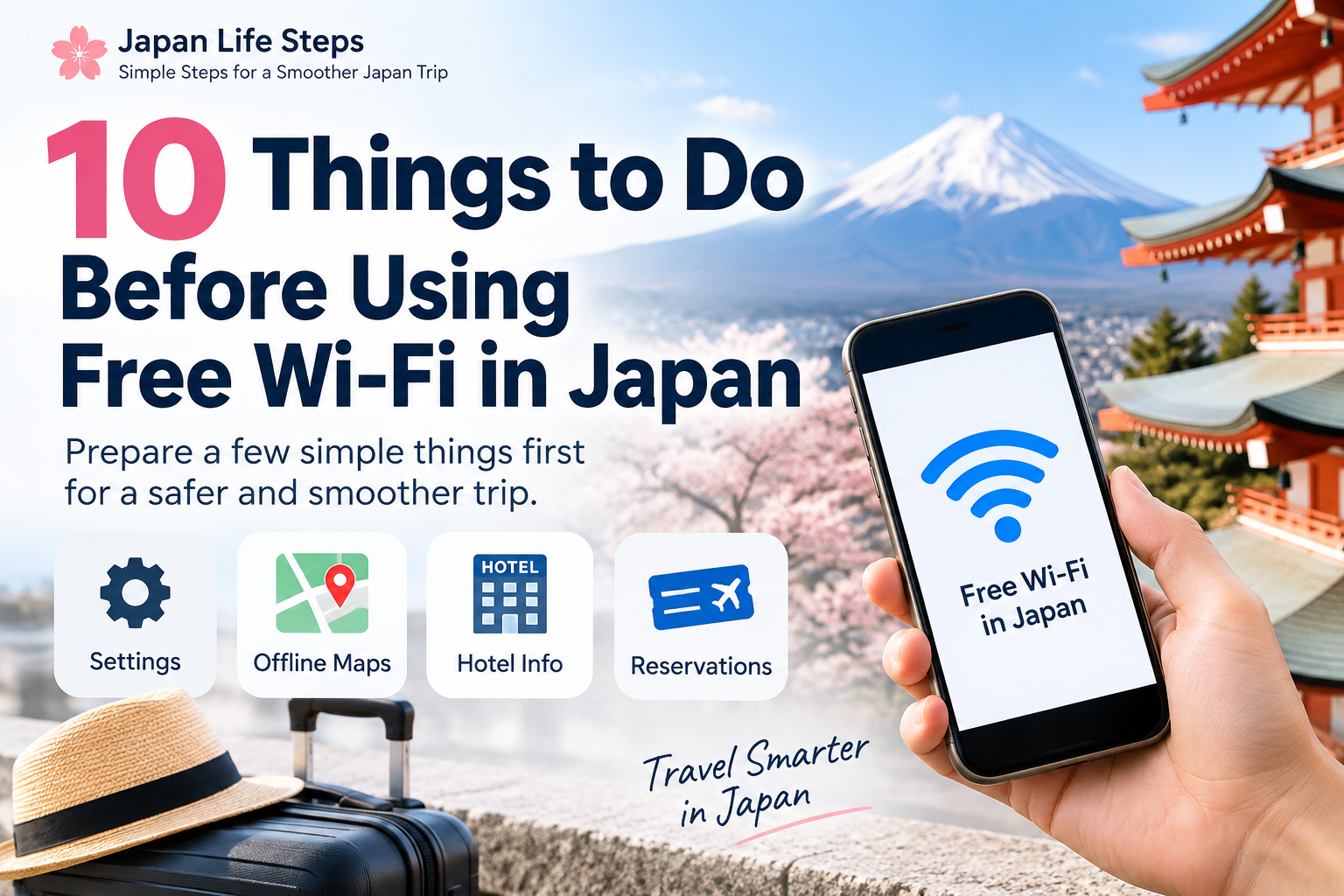
Free Wi-Fi is available at many airports, hotels, stations, cafés, department stores, and shopping malls in Japan.
But before connecting, it helps to prepare a few things first.
- 1. Turn Off Data Roaming
- 2. Turn Off Mobile Data
- 3. Keep Wi-Fi On
- 4. Check the Official Wi-Fi Name
- 5. Check If Registration Is Required
- 6. Save Your Hotel Information
- 7. Prepare Offline Maps
- 8. Screenshot Important Reservations
- 9. Know Where to Look for Wi-Fi
- 10. Know the Limits of Free Wi-Fi
- Is Free Wi-Fi in Japan Safe?
- Can You Travel Japan Using Only Free Wi-Fi?
- ⚠️ Important Disclaimer
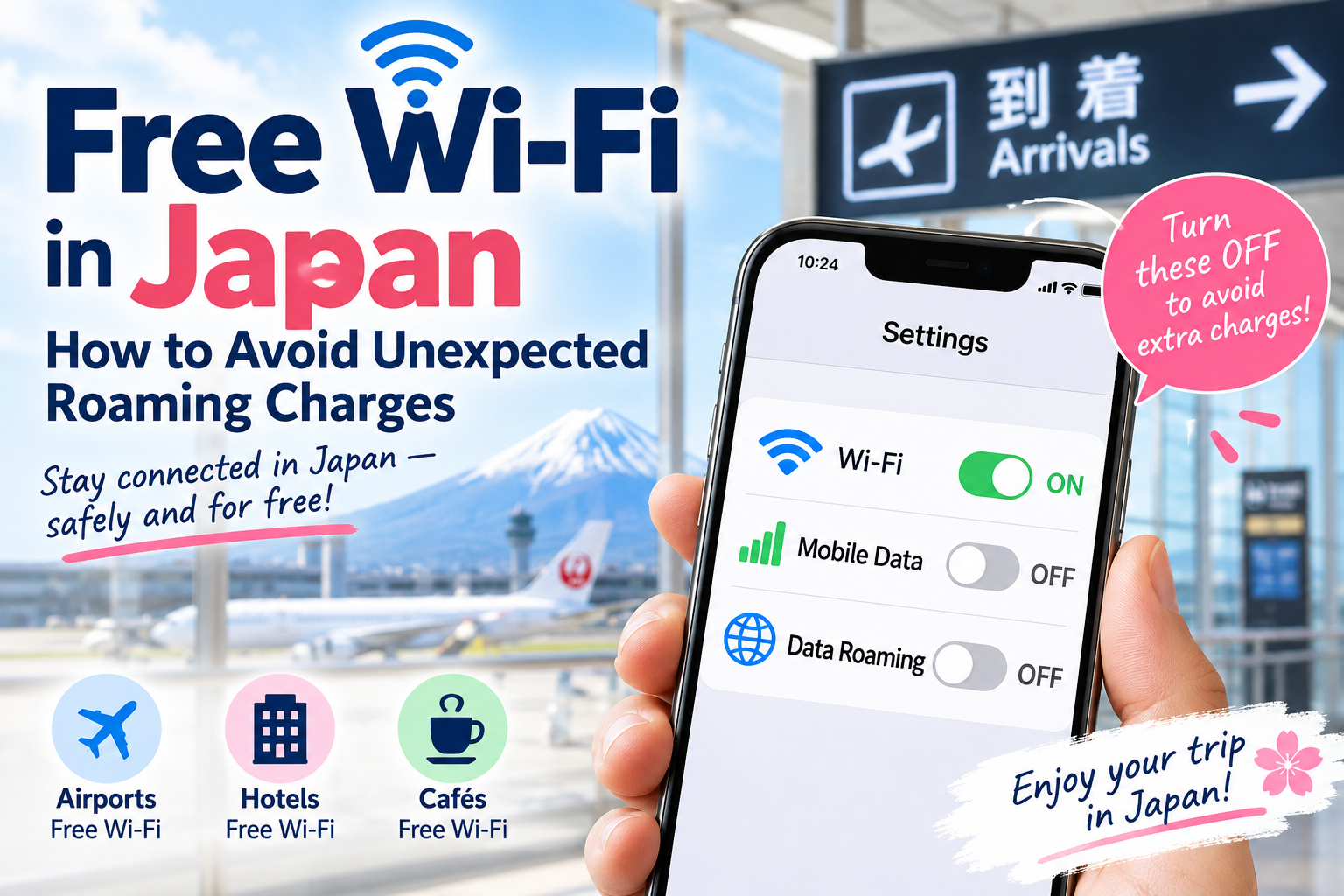
1. Turn Off Data Roaming
If you do not want to use international roaming data:
Data Roaming → OFF
Depending on your mobile carrier and plan, roaming charges may apply.
2. Turn Off Mobile Data
If you want to rely only on Wi-Fi and avoid using cellular data:
Mobile Data → OFF
You can still connect to Wi-Fi while Mobile Data is turned off.
3. Keep Wi-Fi On
Make sure Wi-Fi is turned on so you can find available networks.
4. Check the Official Wi-Fi Name
Always confirm the official SSID provided by the airport, hotel, station, café, or facility.
Avoid connecting to unfamiliar networks with similar-looking names.
5. Check If Registration Is Required
Some free Wi-Fi services may require:
- An email address
- Agreement to terms of use
- Browser authentication
- A password
Connection methods vary by location.
6. Save Your Hotel Information
Save your hotel name and address in both English and Japanese.
A screenshot can be very useful if you lose internet access or need to show the address to station staff or a taxi driver.
7. Prepare Offline Maps
Download offline maps or save important locations before leaving Wi-Fi.
It can also help to save:
- Station names
- Train lines
- Transfer points
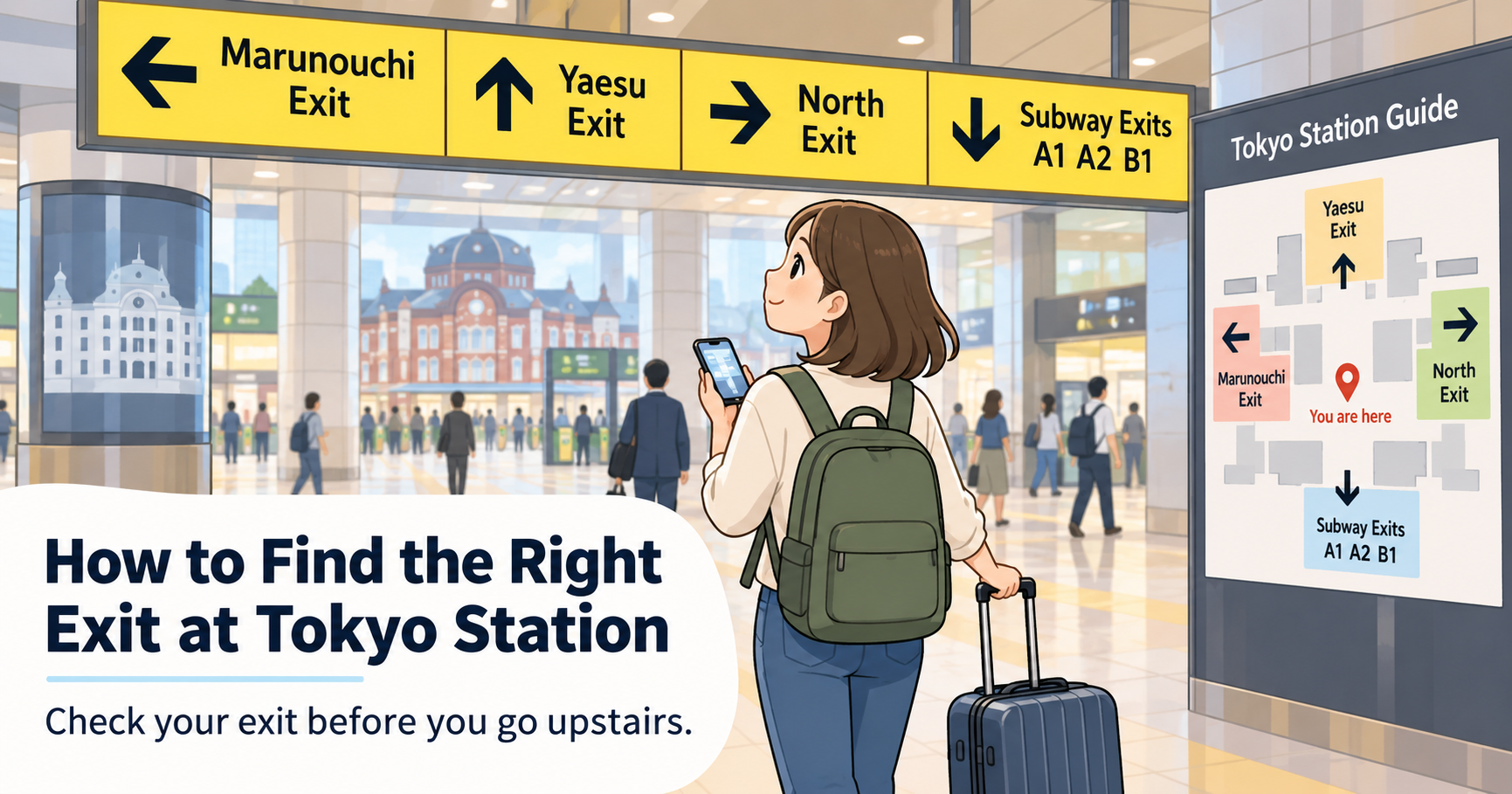
- Exit numbers
- Bus information
8. Screenshot Important Reservations
Save screenshots of:
- Booking details
- QR codes
- Tickets
- Reservation numbers
- Destination addresses
This allows you to check them even when you do not have internet access.
9. Know Where to Look for Wi-Fi
If you lose internet access, try looking for Wi-Fi at places such as:
- Large train stations
- Department stores
- Shopping malls
- Convenience stores
- Starbucks, Doutor, or other cafés
- Electronics retailers such as BicCamera
- Airports
- Hotels
Free Wi-Fi availability and registration requirements vary by location.
10. Know the Limits of Free Wi-Fi
Free Wi-Fi can be useful for:
- Maps
- Messaging
- Quick searches
But it may be slow or unstable for:
- Streaming video
- Video calls
- Large downloads
- Uploading many photos or videos
Free Wi-Fi may also be easier to find in major cities than in rural areas.
Is Free Wi-Fi in Japan Safe?
Free Wi-Fi is useful for checking maps, train routes, and travel information. However, some public Wi-Fi networks are not encrypted.
For safer use:
- Check the official Wi-Fi network name before connecting.
- Avoid online banking and credit card payments.
- Do not enter sensitive personal information.
- Use websites that begin with https.
- Use a trusted VPN if you have one.
- Turn off automatic Wi-Fi connection after use.
Free Wi-Fi is convenient, but save important transactions for a secure connection.
Can You Travel Japan Using Only Free Wi-Fi?
Sometimes.
If you stay mainly in large cities and prepare maps, routes, addresses, and reservations in advance, you may be able to rely mainly on free Wi-Fi.
However, if you travel to rural areas or need a constant internet connection, a SIM or eSIM may be more convenient.
⚠️ Important Disclaimer
Free Wi-Fi availability, registration requirements, speed, security, connection methods, time limits, and charges vary depending on the facility.
Mobile data, roaming behavior, and charges also vary depending on your device, SIM/eSIM, mobile carrier, and plan.
Wi-Fi service details may change, so always check the latest information from the facility’s official website or signs before connecting.
This article is for general informational purposes only and does not guarantee free access, connection quality, security, or the absence of mobile or roaming charges.
コメント