If you are using a SIM or eSIM with limited data in Japan, you may be wondering:
What if I run out of data during my trip?
You do not need to stop using your phone while you are out.
A simple way to save mobile data is to use Wi-Fi for larger tasks first.
Back up photos and videos, download maps, update apps, and download entertainment while you are on Wi-Fi.
Then use your mobile data for things you really need outside, such as maps, train searches, translation, and messaging.
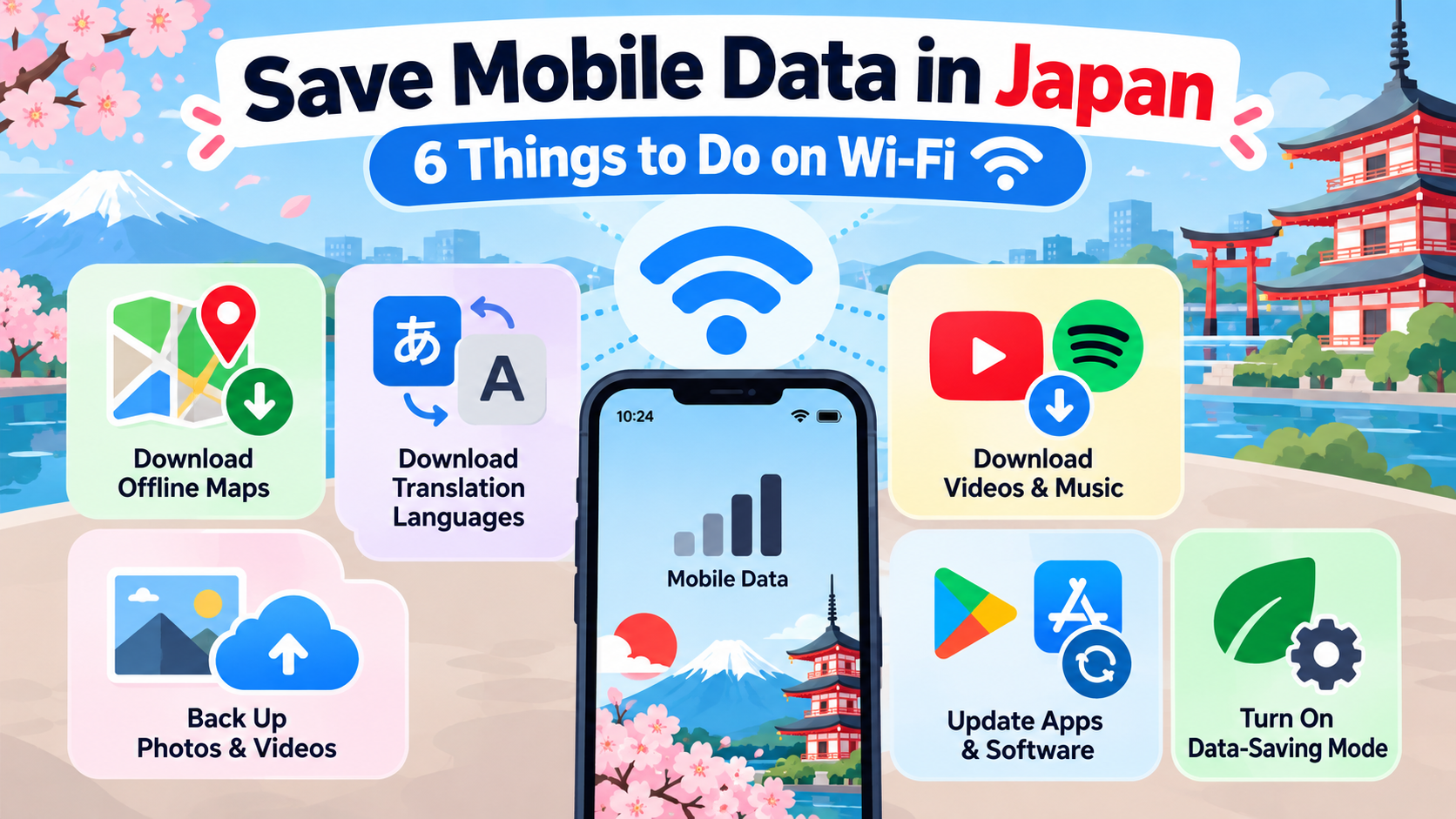
Here are six things to do on Wi-Fi to help your mobile data last longer in Japan.
1. Download Maps on Wi-Fi
Google Maps lets you download some areas for offline use.
Saving the area you need before going out can help reduce mobile data use.
However, offline maps have limitations.
Public transportation, walking, and cycling directions are not available offline.
You will still need an internet connection for train route searches and some other navigation features.
Think of offline maps as a useful backup, not a complete replacement for mobile data.
2. Download Japanese for Offline Translation
Some translation apps let you download language data for offline use.
If you use Google Translate, for example, you may be able to download Japanese while connected to Wi-Fi.
This can be useful when reading menus, signs, or other text while you are outside.
Available offline features may vary by app and device.
3. Back Up Photos and Videos on Wi-Fi
Taking photos or videos by itself usually does not use much mobile data.
Data is mainly used when you:
- upload photos to social media
- upload videos
- send large files
- sync photos and videos to cloud storage
Video files can be especially large.
If the upload is not urgent, waiting until you are connected to Wi-Fi can help save mobile data.
4. Download Videos, Music, and Podcasts on Wi-Fi
If your streaming service supports offline downloads, download what you want before leaving Wi-Fi.
This can be useful for:
- long train rides
- flights
- buses
- time at the hotel
Downloading first can use less mobile data than streaming while you are outside.
Offline download availability depends on the app, subscription, and region.
5. Do Large Updates and Downloads on Wi-Fi
App updates, operating system updates, and large file downloads can use a lot of data.
If they are not urgent, wait until you have Wi-Fi.
The same applies when sending large photos or videos.
6. Use Your Phone’s Data-Saving Mode
Your phone may have a built-in feature that helps reduce unnecessary mobile data use.
iPhone
Look for:
Low Data Mode
This can reduce background activity and some automatic downloads.
Android
Many Android phones have a feature such as:
Data Saver
This can reduce background mobile data use for many apps.
Menu names and behavior vary by phone.
The Simple Rule
When you have Wi-Fi:
Download → Update → Back Up
When you are outside:
Maps → Trains → Translation → Messages
The goal is not to avoid mobile data completely.
The idea is to use Wi-Fi for larger tasks and keep your mobile data available for the things you actually need while you are out.
Disclaimer
This article provides general information about reducing mobile data use while staying in Japan.
Menu names, offline features, background data behavior, download options, and data-saving settings vary depending on the device, operating system, app, subscription, region, and service provider.
Offline maps and translation features have limitations and should not be treated as a complete replacement for an internet connection.
Public Wi-Fi availability, security, and connection quality also vary. Use networks you trust and check the latest official information from your device manufacturer and the apps or services you use.