Choosing a SIM or eSIM for Japan?
You may be wondering:
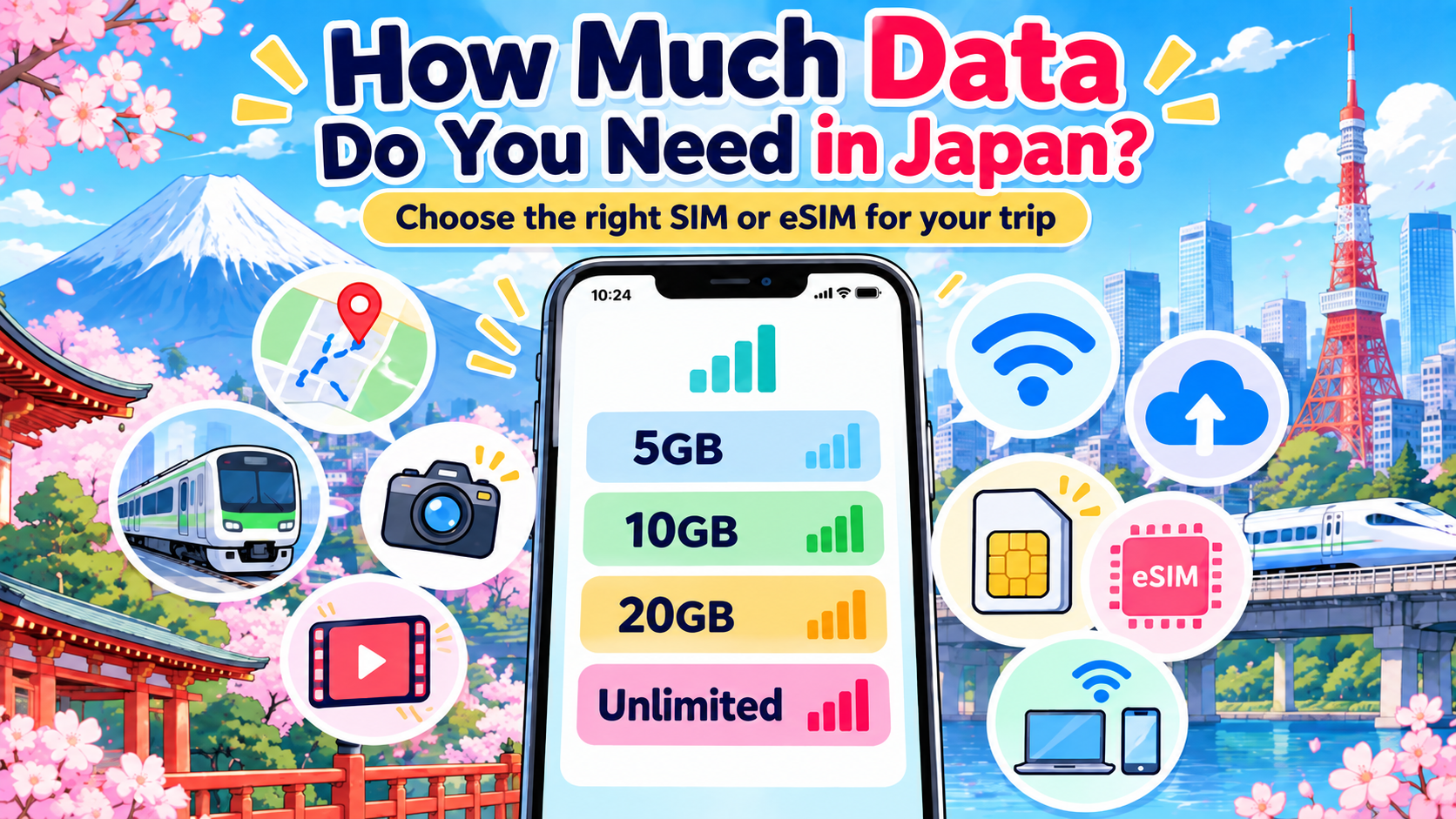
Do I need 5GB, 10GB, 20GB, or unlimited data?
Instead of guessing, start with something you already know:
How much mobile data do you normally use?
That gives you a much better starting point for choosing a plan that fits your trip.
Step 1: Check Your Current Data Usage
On iPhone
Go to:
Settings → Cellular / Mobile Service
Scroll down to see how much mobile data your apps have used.
For a clearer monthly total, you can also check your mobile carrier’s app, website, or bill.
On Android
Look for something similar to:
Settings → Network & Internet / Connections → Data Usage
The exact menu depends on your phone.
Your carrier’s app or website may also show your recent monthly data usage.
Step 2: Work Out Your Daily Average
For example, suppose you normally use:
12GB in 30 days
Divide it by 30:
12 ÷ 30 = about 0.4GB per day
If your Japan trip is 10 days:
0.4 × 10 = about 4GB
So around 4GB gives you a starting estimate based on your normal habits.
It does not mean 4GB will definitely be enough.
Travel can change how you use your phone.
Step 3: Think About What You Will Do in Japan
| What you do | Data use tends to be |
|---|---|
| Google Maps and train searches | Lower |
| Messaging and email | Lower |
| Web browsing | Lower to moderate |
| Taking photos or videos | Little or no mobile data by itself |
| Uploading photos | Higher |
| Uploading videos | Much higher |
| Cloud photo/video backup | Can be much higher |
| Streaming video | Much higher |
| Video calls | Higher |
| Hotspot / tethering | Can be much higher |
A useful point for travelers:
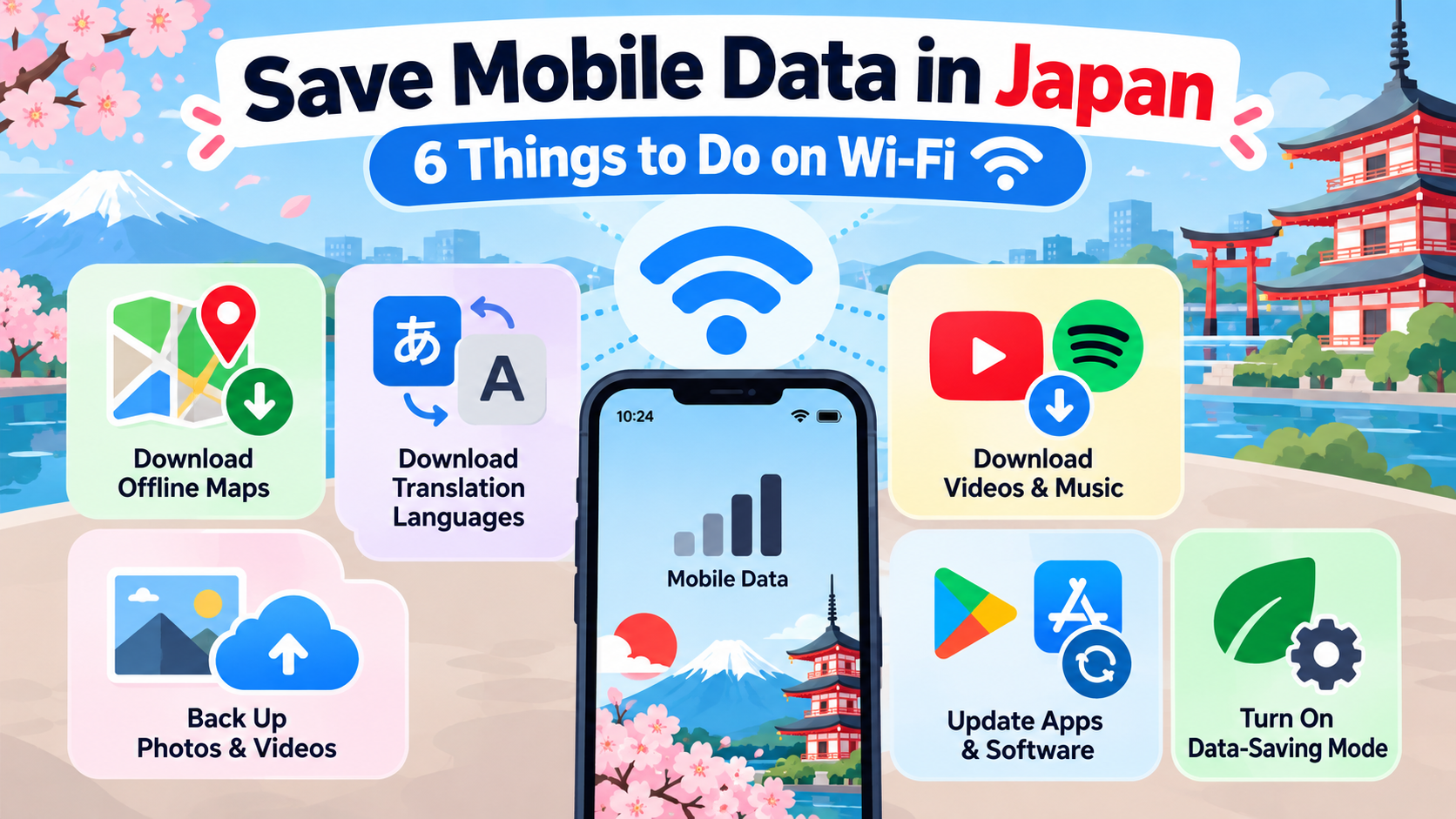
Taking photos or videos does not usually use much mobile data by itself.
The data is mainly used when you upload, send, sync, or back them up.
So if you take hundreds of photos in Japan but wait until hotel Wi-Fi to upload them, your mobile data use may be much lower than someone uploading photos and videos throughout the day.
Step 4: Ask Yourself These Questions
Before choosing your data amount, think about:
Will I use Google Maps all day?
Will I upload lots of photos or videos?
Will I stream YouTube, Netflix, or other video?
Will I use my phone as a hotspot?
Will I have reliable Wi-Fi at my hotel?
If you mainly use maps, messages, searches, and hotel Wi-Fi, you may need less data.
If you stream video, upload lots of media, or use a hotspot, consider allowing more.
Step 5: Search Using Your Own Conditions
Once you have an approximate amount, search using:
Japan + SIM/eSIM + data amount + trip length
For example:
Japan eSIM 5GB 7 days
Japan eSIM 10GB 14 days
Japan eSIM 20GB 30 days
If you need tethering:
Japan eSIM hotspot supported
If you expect very heavy use:
Japan eSIM unlimited data
Then check the provider’s official website for:
- data allowance
- validity period
- speed restrictions
- hotspot or tethering rules
- device compatibility
- what happens after you reach the data limit
Do not choose a plan based only on the search result title.
The Simple Formula
A useful starting point is:
Your recent monthly data use ÷ number of days = daily average
Then:
Daily average × number of travel days = estimated trip usage
After that, adjust for how you expect to use your phone in Japan.
This is usually more useful than simply asking:
“Is 10GB enough?”
because the answer depends on you.
Already deciding between a physical SIM and an eSIM?
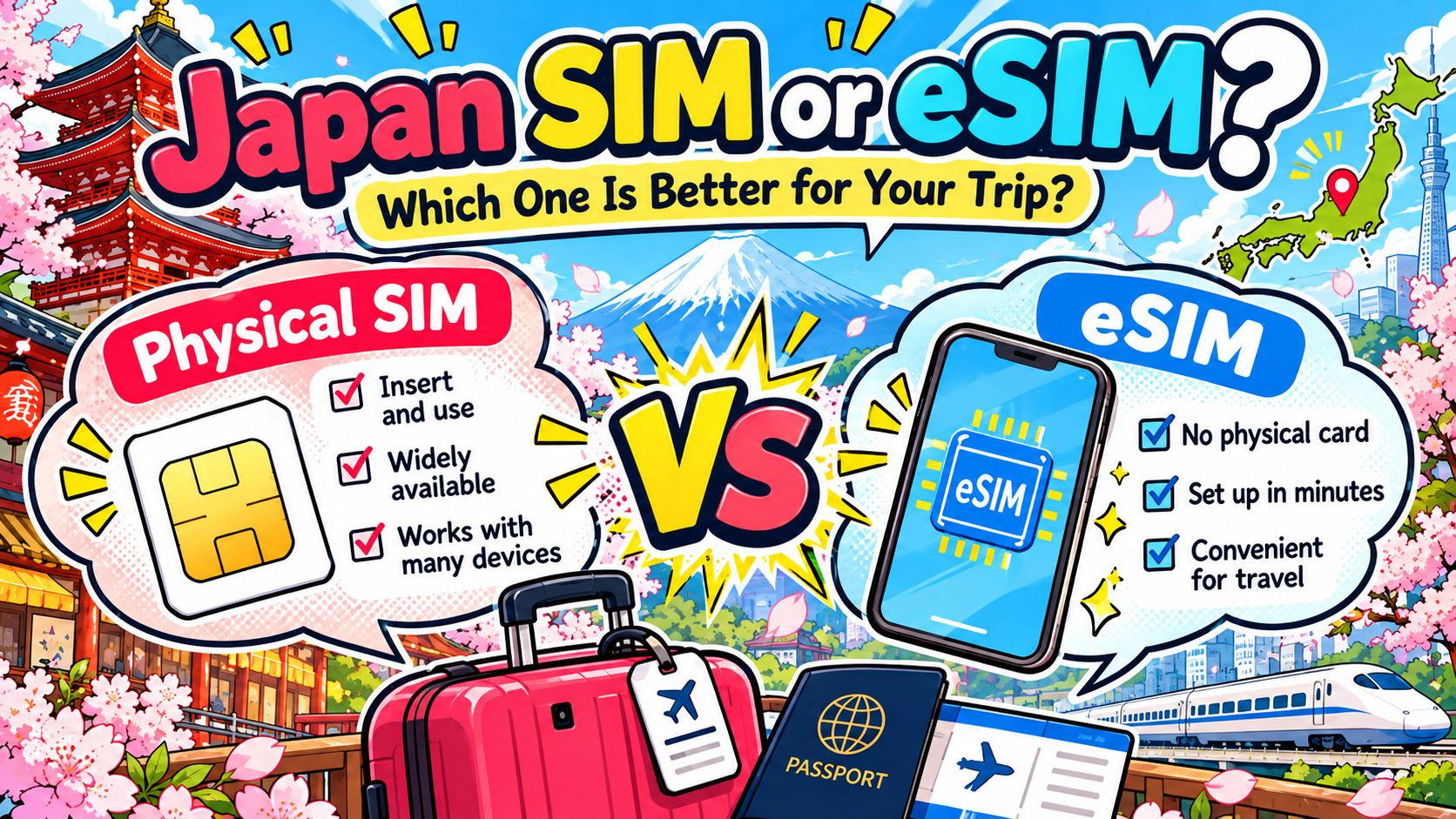
Japan SIM or eSIM? Which One Is Better for Your Trip?
Disclaimer
This article provides general information to help travelers estimate mobile data needs in Japan.
Actual data usage varies depending on apps, streaming quality, photo and video uploads, cloud backups, background activity, software updates, hotspot use, device settings, Wi-Fi use, and individual habits.
Taking photos or videos by itself generally requires little or no mobile data, but uploading, sharing, syncing, or backing them up may use mobile data depending on your settings.
The calculations in this article are estimates only and do not guarantee that a particular amount of data will be sufficient.
SIM and eSIM plan conditions may change. Before purchasing, check the latest data allowance, validity period, speed restrictions, tethering rules, device compatibility, and other conditions on the provider’s official website.