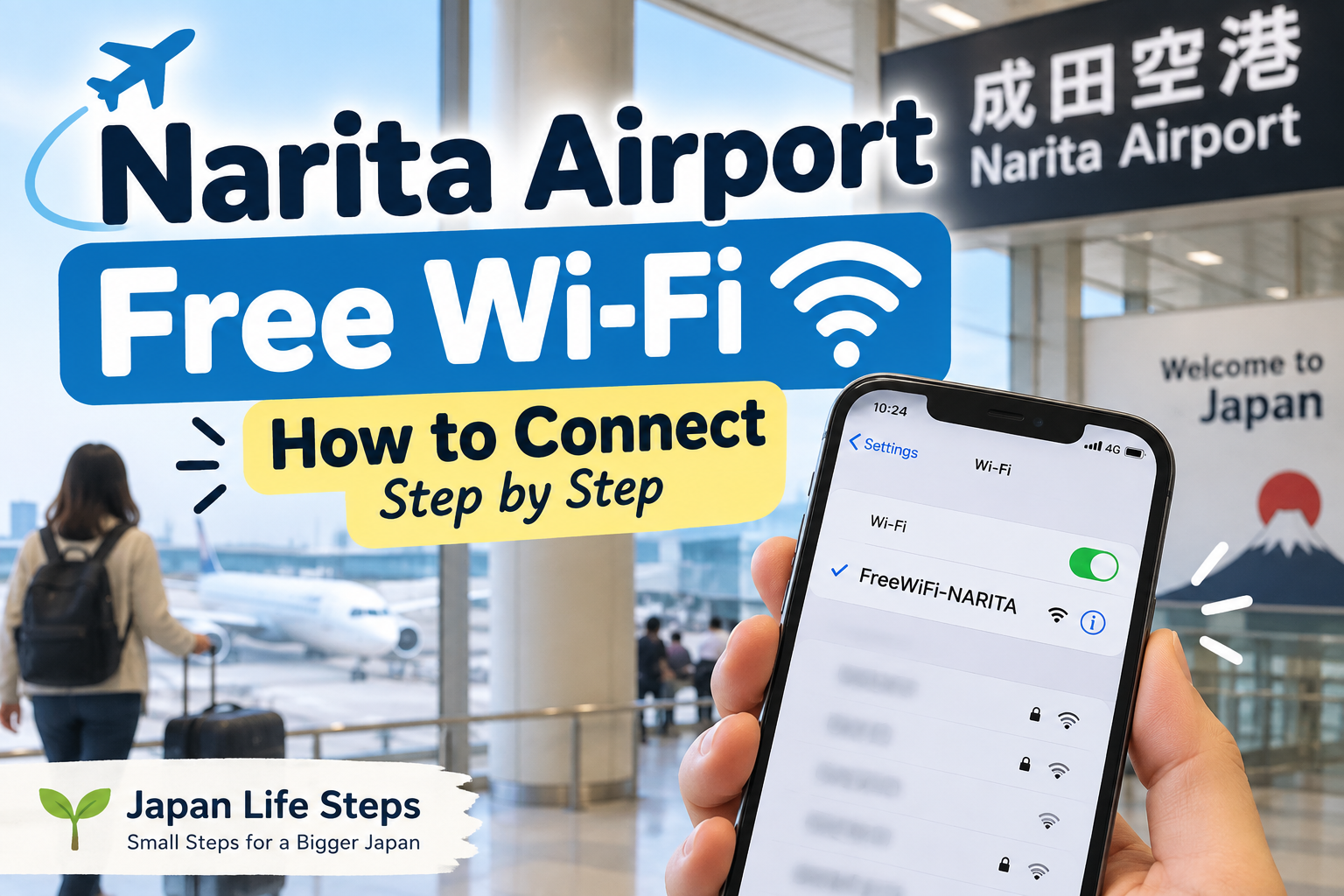
You just arrived at Narita Airport. Welcome to Japan! 🇯🇵
You take out your phone.
No internet.
You need Google Maps.
You want to find your hotel.
Maybe you want to message someone:
“I arrived in Japan!”
Before you do anything else, let’s get your phone online.
It only takes a few steps.
- 📱 1. Look at Your Phone
- 📶 2. Wait for the Connection Screen
- 🎉 3. Connected? Check That It Works
- 😕 Nothing Appeared on Your Screen?
- ❌ Still Not Working?
- 📍 Where Can I Use FreeWiFi-NARITA?
- 🔋 Wait — How Much Battery Do You Have?
- 🔐 One Small Wi-Fi Safety Tip
- ✈️ Don’t Leave the Airport Yet
- 👉 What Should I Do Next?
📱 1. Look at Your Phone
Open Settings → Wi-Fi on your smartphone.
Turn Wi-Fi ON.
⚠️ Before You Connect: Turn Off Data Roaming
Narita Airport’s free Wi-Fi is free to use.
However, if the Wi-Fi connection drops, your phone may switch back to mobile data.
If international data roaming is turned on, your mobile carrier may charge you.
To avoid unexpected charges, turn off Data Roaming before using free Wi-Fi.
You may see several network names.
Don’t worry about the others.
Look for this one:
FreeWiFi-NARITA
Found it?
Tap it.
Official Narita Airport Wi-Fi information: Check here
📶 2. Wait for the Connection Screen
After you tap FreeWiFi-NARITA, wait a few seconds.
A connection screen should appear automatically.
Follow the instructions on the screen and agree to the terms of use.
That’s it.
🎉 3. Connected? Check That It Works
Open your browser or Google Maps.
Try searching for something.
If the page loads, you’re online.
Now you can check:
📍 Your hotel
🚆 Train routes
🚌 Bus information
💬 Messages
🌐 Translation
😕 Nothing Appeared on Your Screen?
Don’t panic.
Sometimes the connection screen does not appear immediately.
Try this:
Turn Wi-Fi OFF.
Wait a few seconds.
Turn Wi-Fi ON again.
Then select:
FreeWiFi-NARITA
If nothing happens, open your browser and try visiting a webpage.
This may make the Wi-Fi login screen appear.
❌ Still Not Working?
You still have other ways to get online in Japan.
For example:
eSIM
SIM card
International roaming
Pocket Wi-Fi
So you are not stuck just because the airport Wi-Fi does not work.
📍 Where Can I Use FreeWiFi-NARITA?
Narita Airport’s free Wi-Fi is available throughout:
Terminal 1
Terminal 2
Terminal 3
It is also available on terminal shuttle buses.
🔋 Wait — How Much Battery Do You Have?
You finally have internet.
But before you start using Google Maps and searching for trains, look at your battery.
12%? 20%?
If your battery is low, this is a good time to charge your phone.
Narita Airport has free power outlets in various locations.
Your phone becomes very important after you leave the airport.
You may need it for maps, transportation, translation and contacting your hotel.
🔐 One Small Wi-Fi Safety Tip
Airport Wi-Fi is a public network.
Be careful when entering sensitive information such as passwords, banking information or credit card details.
Narita Airport also recommends using a VPN when stronger communication security is required.
✈️ Don’t Leave the Airport Yet
Great.
You have internet now.
Before you start walking toward the train or bus, check three things:
1. Where is your hotel?
2. How much battery do you have?
3. Are trains and buses still running?
Especially if you arrived late at night, checking these before leaving the terminal can save you a lot of trouble.
👉 What Should I Do Next?
If this is your first time in Japan and you are standing at Narita Airport wondering what to do next:
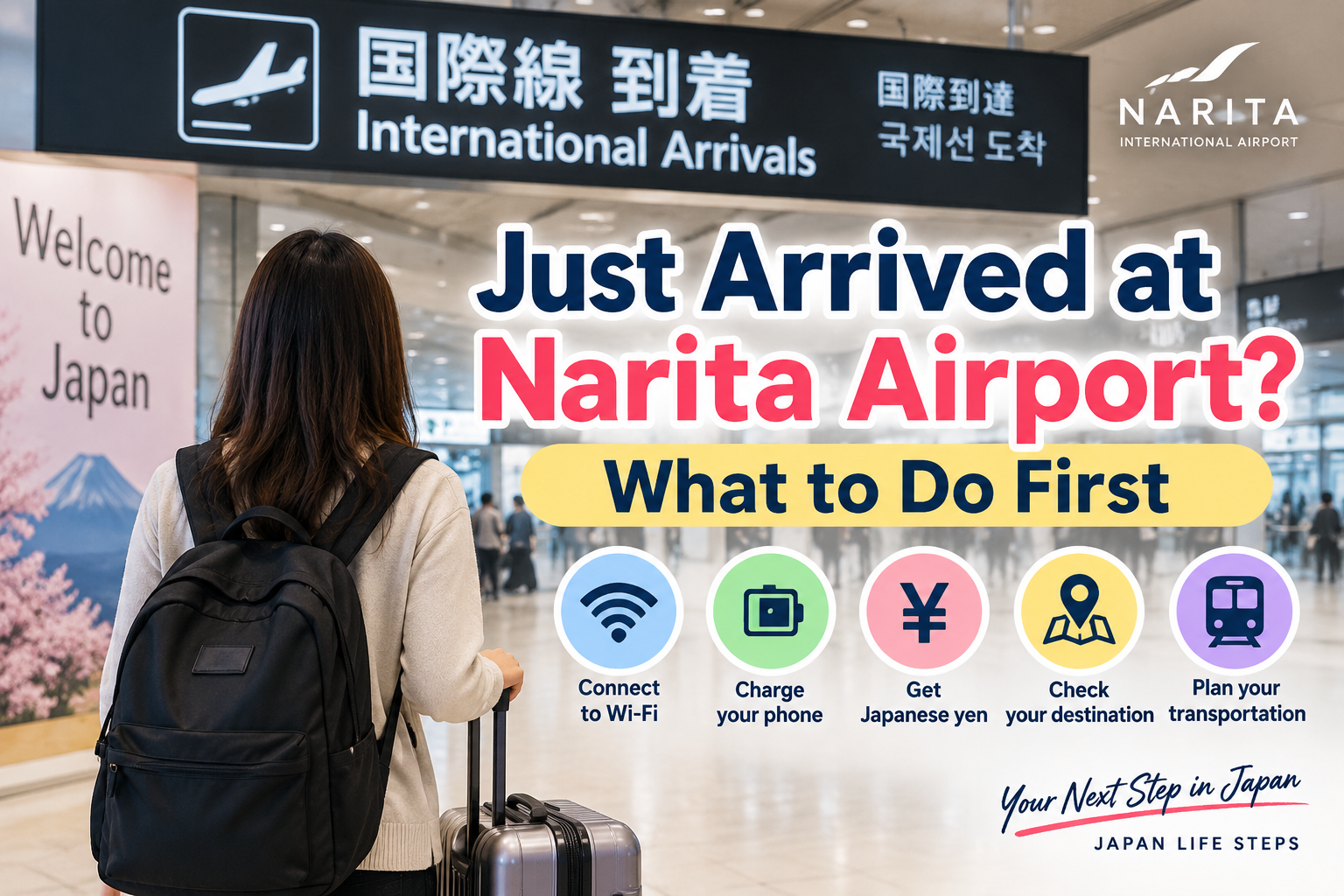
👉 Just Arrived at Narita Airport? What to Do First
Japan Life Steps will guide you one problem at a time.
Disclaimer: Airport services and Wi-Fi information may change. Please check the official Narita International Airport website for the latest information.

コメント